How to delete a file permanently using Bitdefender
If you want to remove a file permanently from your system, you need to delete the data physically from your hard disk.
The Bitdefender File Shredder will help you to quickly shred files or folders from your computer using the Windows contextual menu, by following these steps:
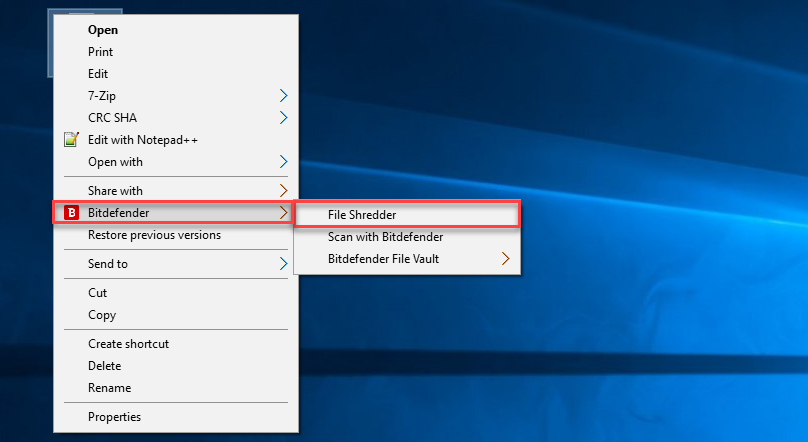
1. Right-click the file or folder you want to permanently delete, point to Bitdefender and select File Shredder.
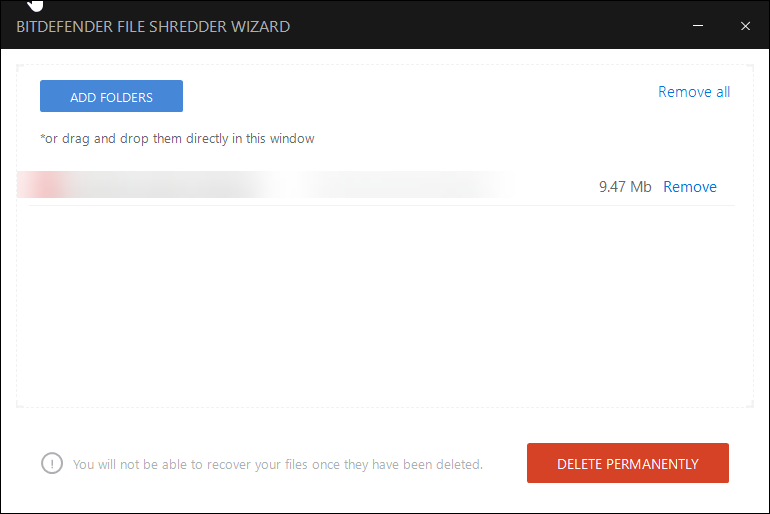
2. Click on DELETE PERMANENTLY.
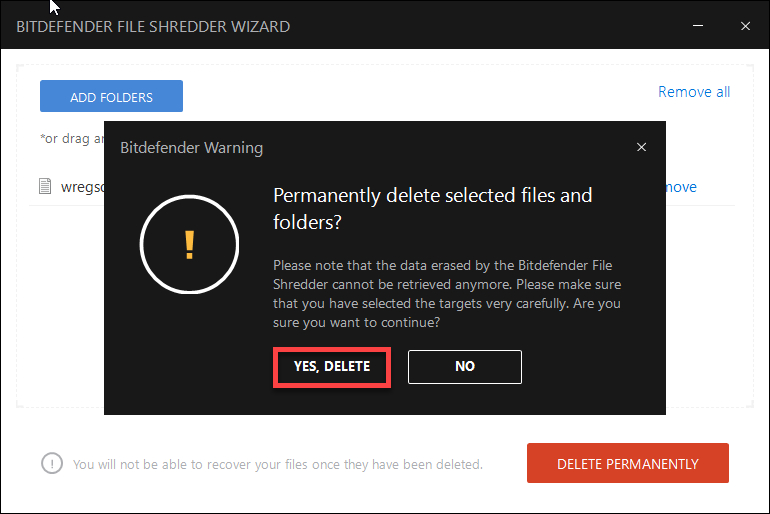
3. A confirmation window appears. Click YES, DELETE to start the File Shredder wizard.
4. Wait for Bitdefender to finish shredding the files.
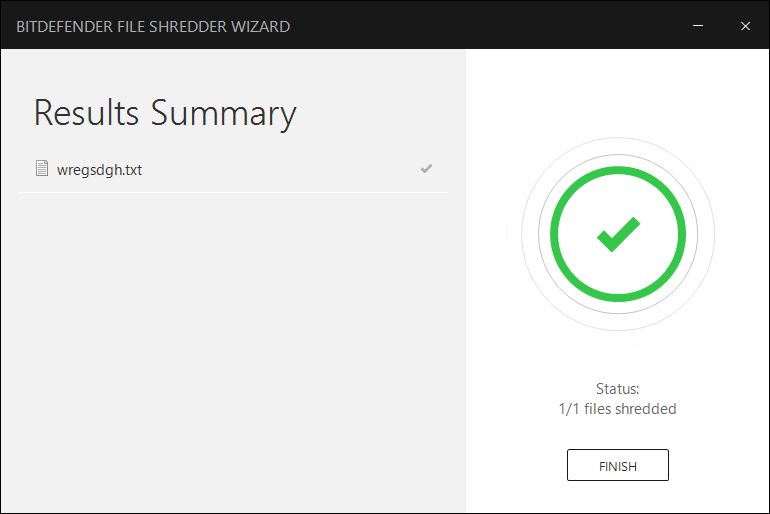
5. The results are displayed. Click FINISH to exit the wizard.
 bdAntivirus
why is it necessary to shred files vs just rightclicking and deleting the file
LikeLike
When you shred a file, it will be difficult to recover the contents or undelete the file
LikeLike
because if you right clicking and press the ‘DEL’ button or delete button it not removing the file it removing the path for it i recommend using bd file shredder or just any other antiviruses or file shredder applications it will help you clean you pc from viruses and it will let you enjoy more hard disk space
LikeLike